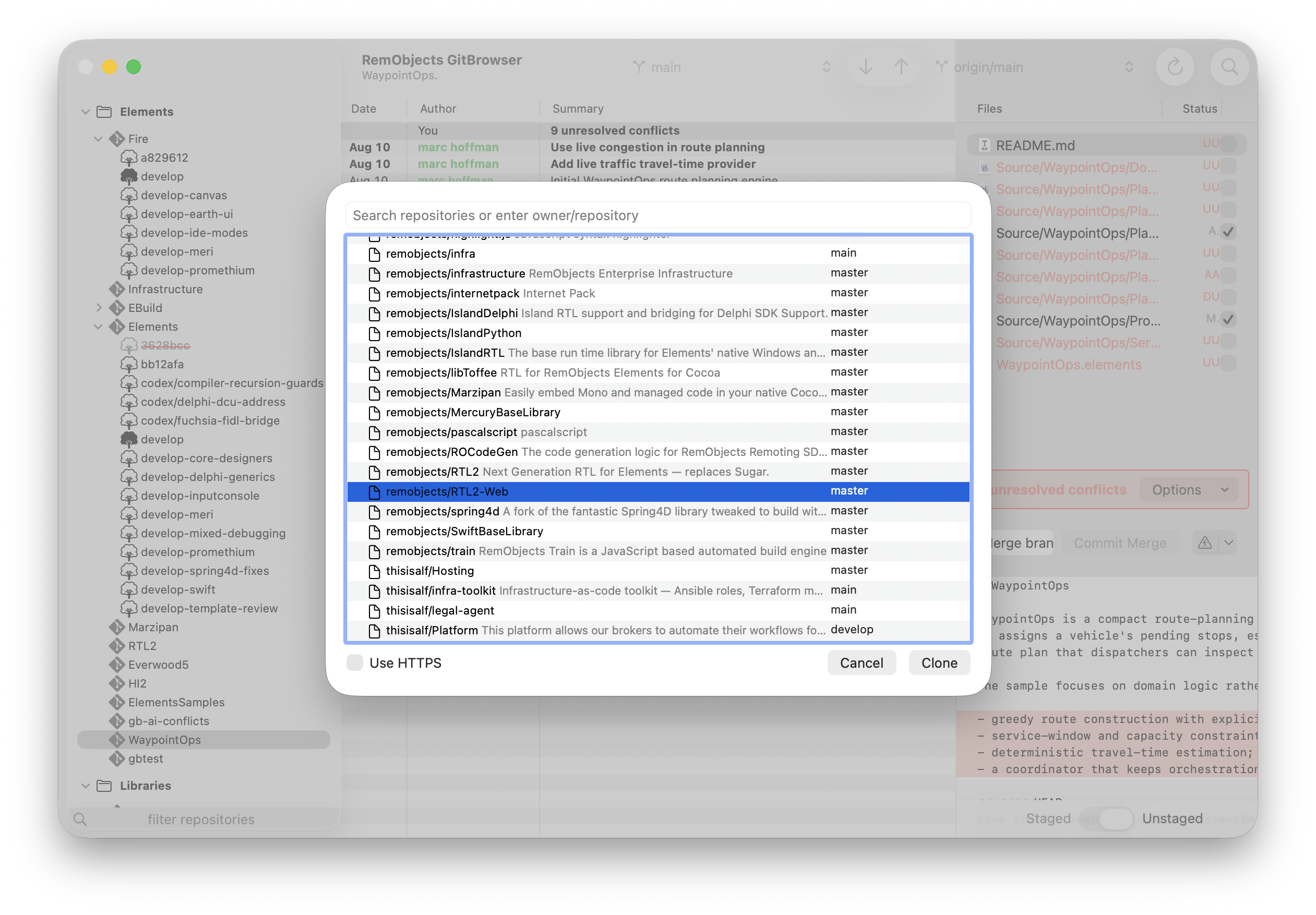

A Mac-native View of Every Repository
GitBrowser is designed for developers who move between many repositories and want the important Git details visible without turning every task into a command-line session.
Add the repositories you care about, organize them by project or client, and move between changelogs, commits, pending changes, and diffs without losing your place.
Made for macOS
A responsive native interface that fits naturally alongside the other development tools on your Mac.
Repository Overview
Organize the repositories you use most and move between projects without rebuilding your context.
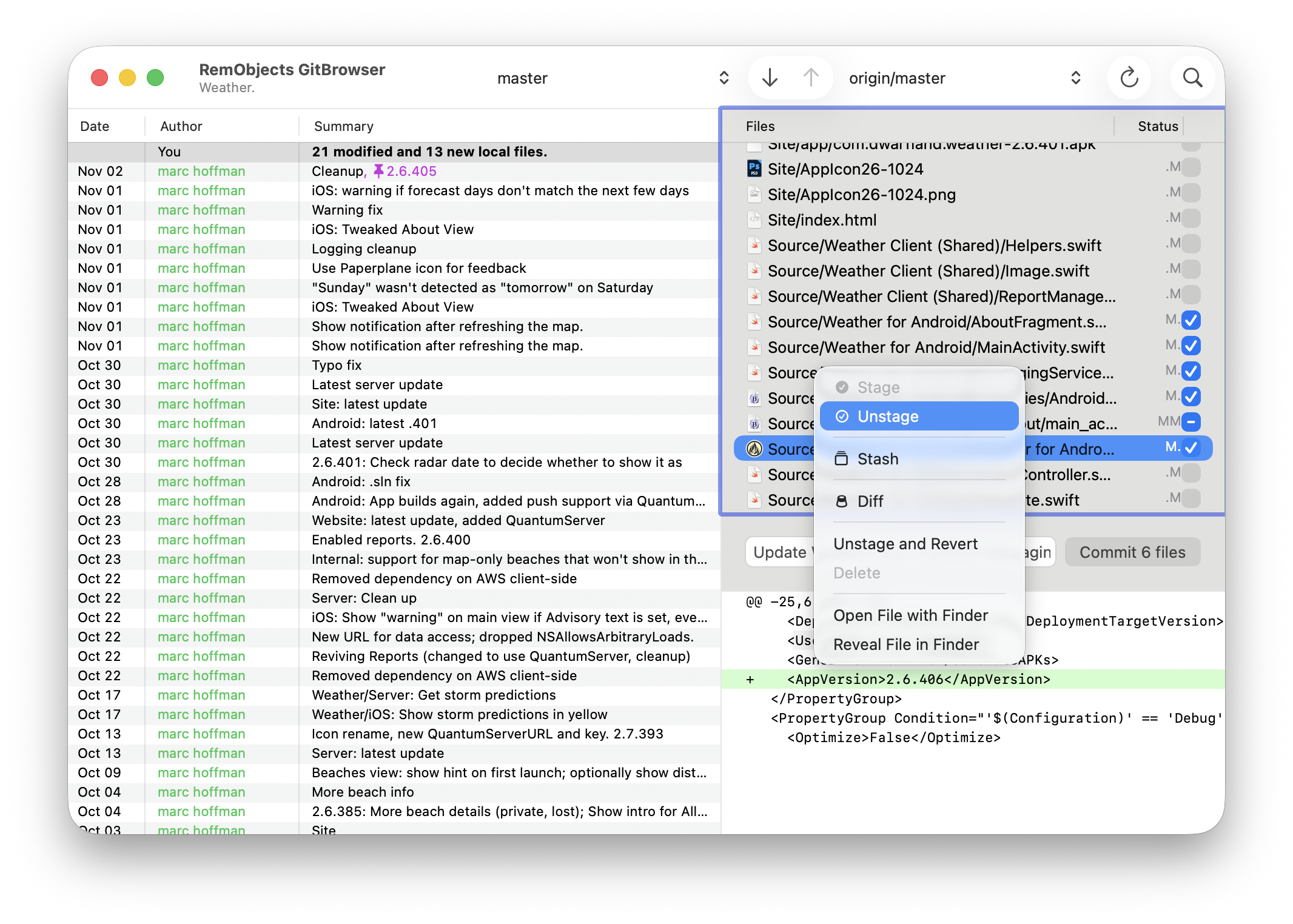
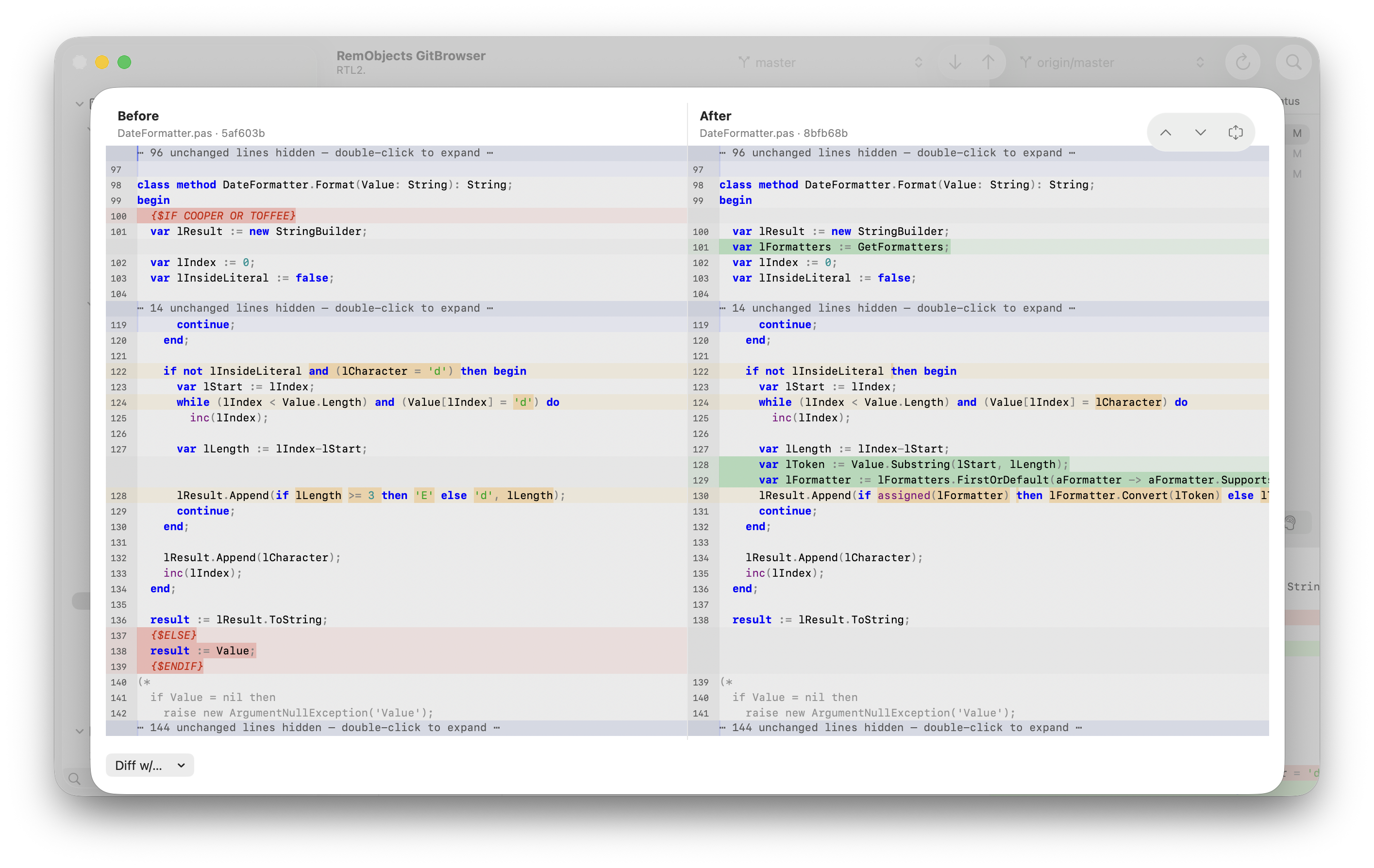
History and Diffs
Follow commits, branches, merges, tags, and file changes in a clear three-pane layout.
CodeBot Intelligence
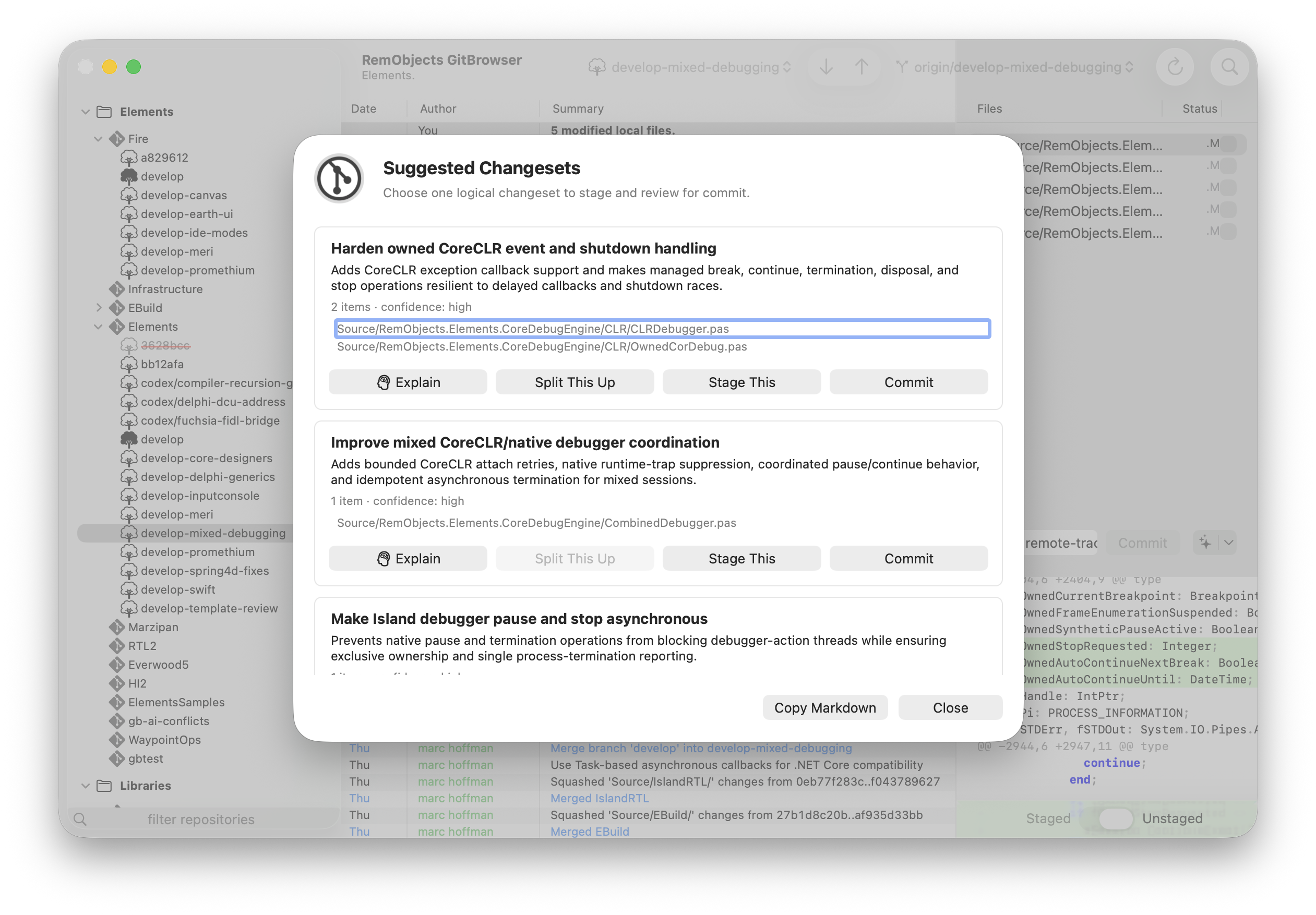
Review and stage the right files, then let CodeBot draft a commit message. Or let CodeBot analyze your changes and suggest individual commits.
Third-Party Tools
Integrates with Mac-favorite tools such as Kaleidoscope, Araxis Merge and more.
GitHub and GitLab
Connect your online git accounts, and clone or publish repositories right from the comfort of GitBrowser.
CodeBot Intelligence
GitBrowser integrates CodeBot, to bring intelligence to your day-to-day got worlkflow.
Connect a custom API key, your Codex account, or CodeBot Server.
Draft Commit Messages
Simply stage your files, and CodeBot will draft a suitable commit sumamry for you.
Commit as suggested, adjust it as needed, or replace it with your own.
Change Set Analysis
Did too many changes land, and you need to sort what's what? Don't worry. CodeBot will analyze your local chages and divide them into logical groups per feature or bugfix.
Even within individual files.
Code Explanation
Need a detailed explanation of whats going on?
CodeBot can review your local changes, a subsetl, or any previous commit and give you a detailed explanation of the code.
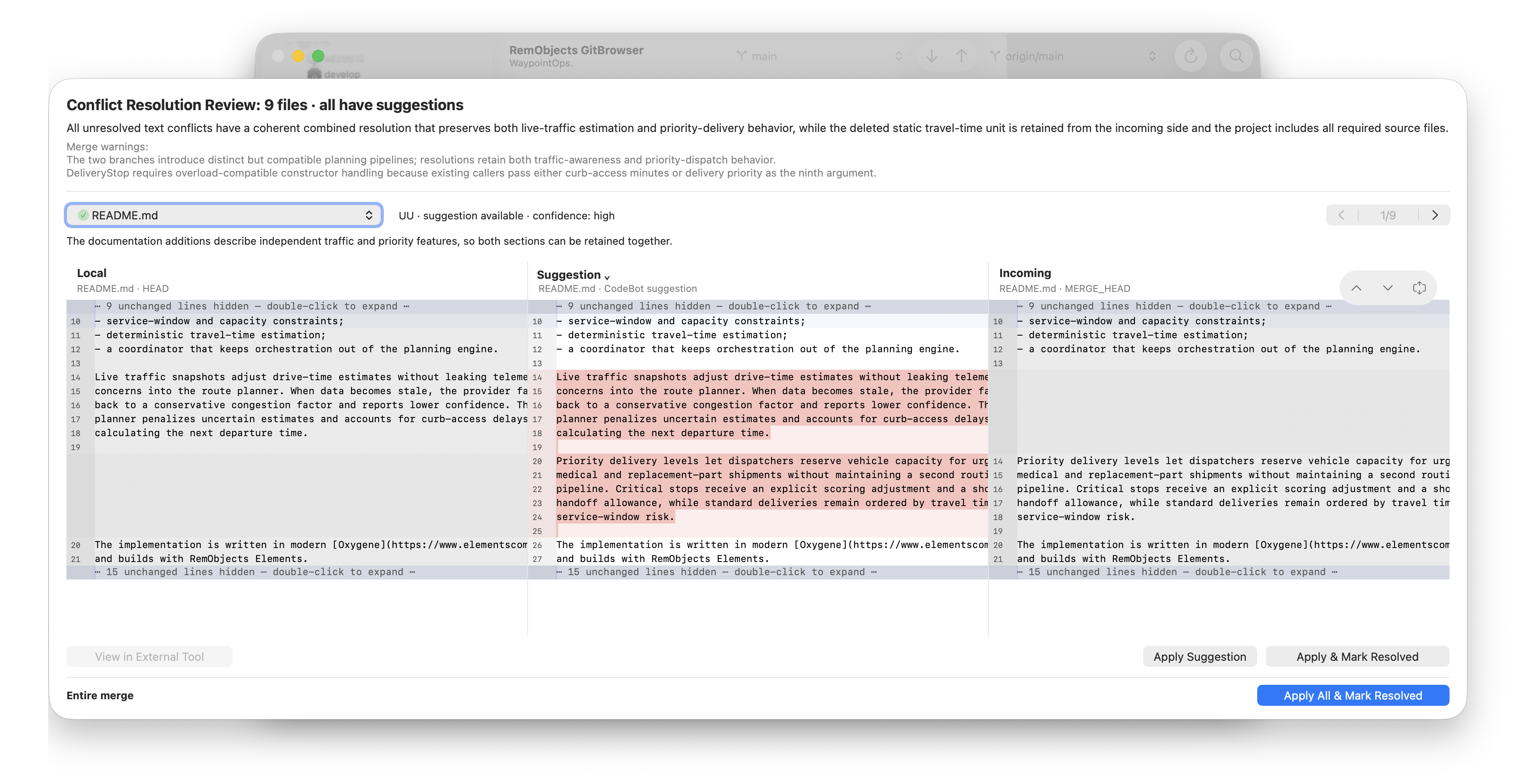
Conflict Resolution
The impossible happeend, and your merge failed with conflicts. What now?
CodeBot can guide you thru the merge process and, in most cases, solve conflicts for you.
GitBrowser on Other Platforms