Welcome to Water.
Water is your Windows IDE for Elements. It gives you a native, lightweight development environment for Oxygene, C#, Swift, Java, Mercury, and Go, with the same shared project model and compiler toolchain that power the rest of Elements.
Open a project, get to work fast, and stay focused on code instead of babysitting the IDE. Water is designed to feel nimble, practical, and close to the way modern Windows developers actually work.
Lightweight, but Complete
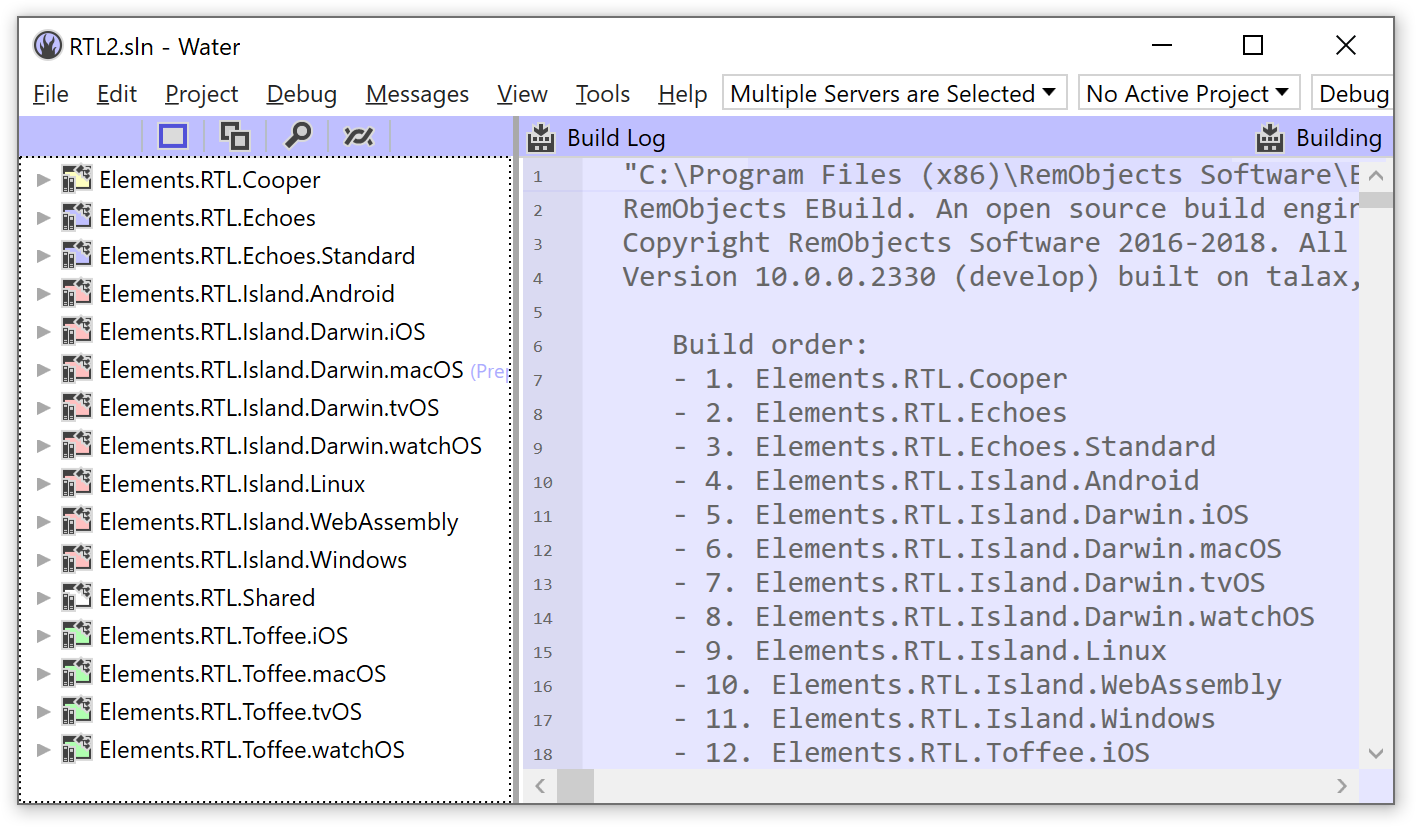
Water keeps the full Elements toolchain close at hand while staying lean: projects, build output, debugging, deployment, and editor features all live in one focused Windows-native app.
Designed to Stay Out of Your Way
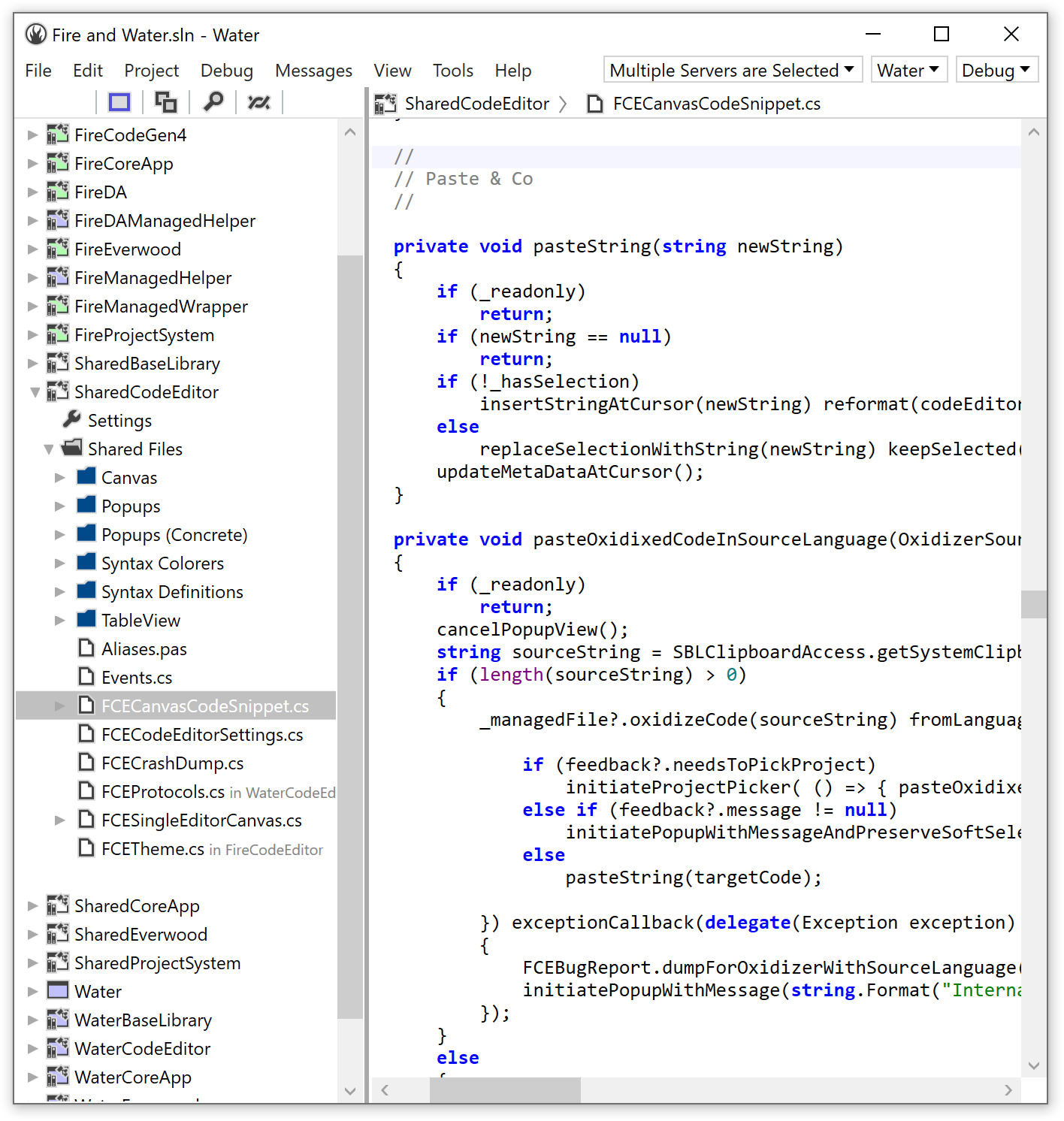
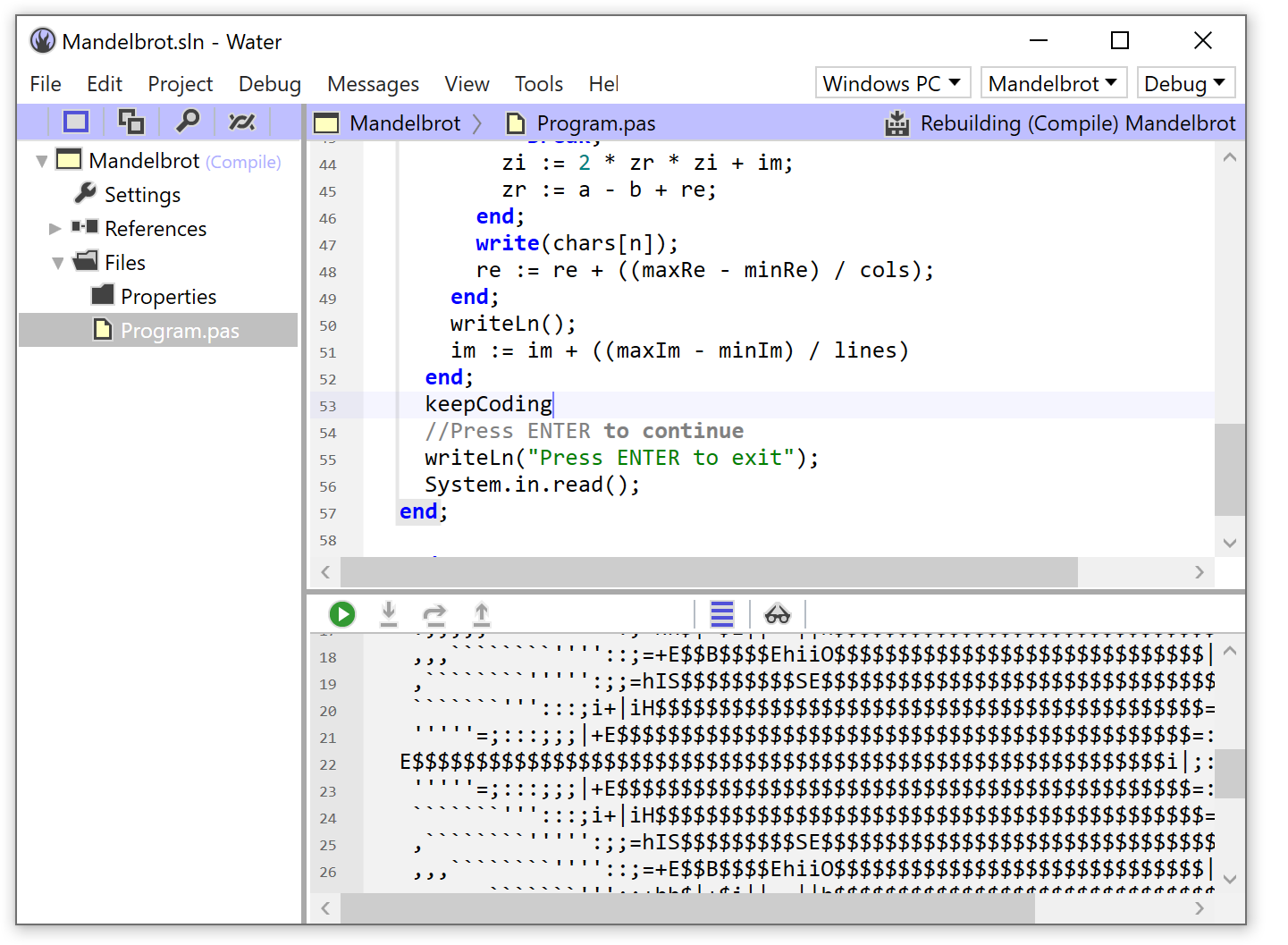
One of Water’s core design goals is to never block you and never get in your way. It starts quickly, stays responsive, and lets you keep typing even while a background build is already under way.
Press build too soon and spot a typo? No drama. Build again, and Water cancels the earlier run and starts fresh. Messages show up unobtrusively inside the editor, so you can act on them when you want to instead of being yanked out of flow.
It is a native Windows application built specifically for Elements, not a generic editor with a language add-in bolted on later.
Made for the Full Elements World
Water does not just edit source files. It understands Elements projects, target platforms, build settings, references, and the broad mix of technologies the toolchain can reach.
It also rethinks a few long-standing IDE habits. Forget “open tabs” versus “saved files”: with Water, the current state of your project is simply the current state of your project, and the IDE takes care of persisting changes for you in the background.

All Elements Languages
Work with Oxygene, C#, Swift, Java, Mercury, and Go from one IDE, using the same projects and build engine.
All Major Platforms
Target .NET, Cocoa, Android, Java, Linux, WebAssembly, Windows, and more without switching tools.

Shared Project Model
Use the same Elements projects and EBuild-based workflow that align Water with Fire, command-line builds, and the rest of the toolchain.
Built for Real Work
There is more to development than editing code. Water includes the wider deployment and run pipeline you need for actual projects, whether they run locally on Windows or need to be pushed out to a Mac, Linux box, Android device, iOS simulator, or another target entirely.
It can discover connected machines and devices, help with certificates and provisioning, and keep the experience consistent across platforms instead of forcing each target into a different ritual.
Custom Debugging and Editor Smarts
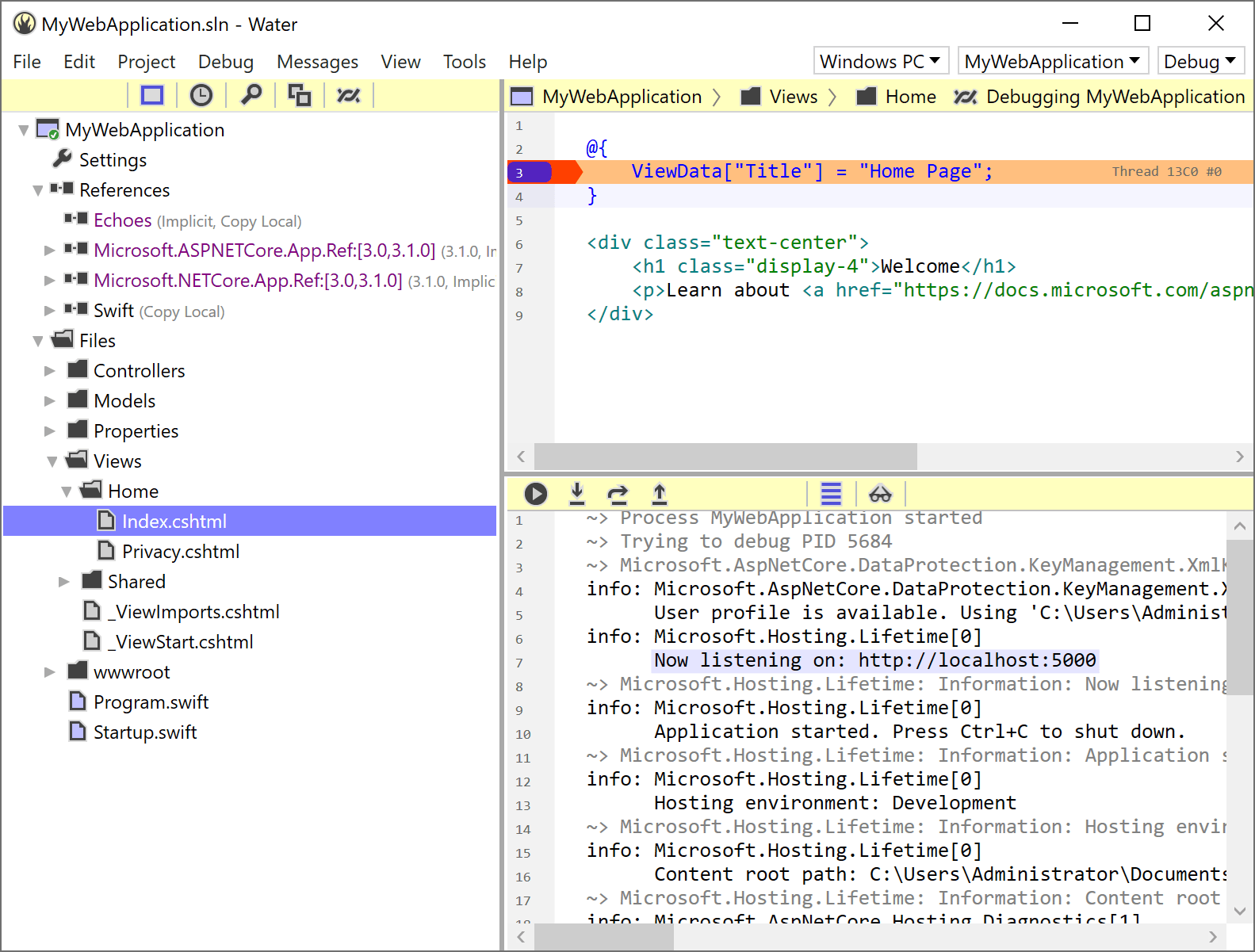
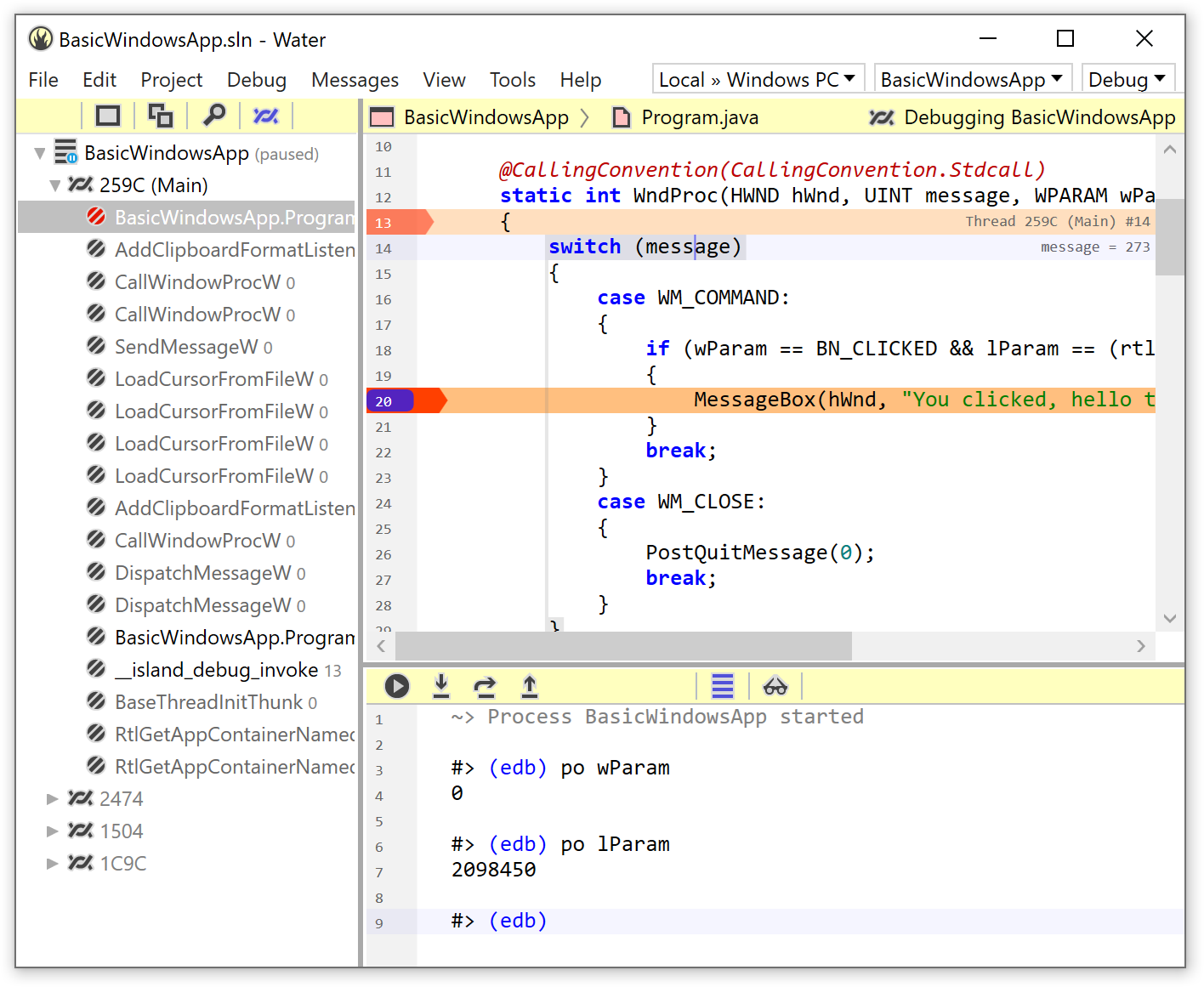
Water supports debugging across .NET, .NET Core, Mono, Java, Android, native Windows, Linux, macOS, iOS, tvOS, and even WebAssembly, with platform-specific engines that still feel like one coherent IDE.
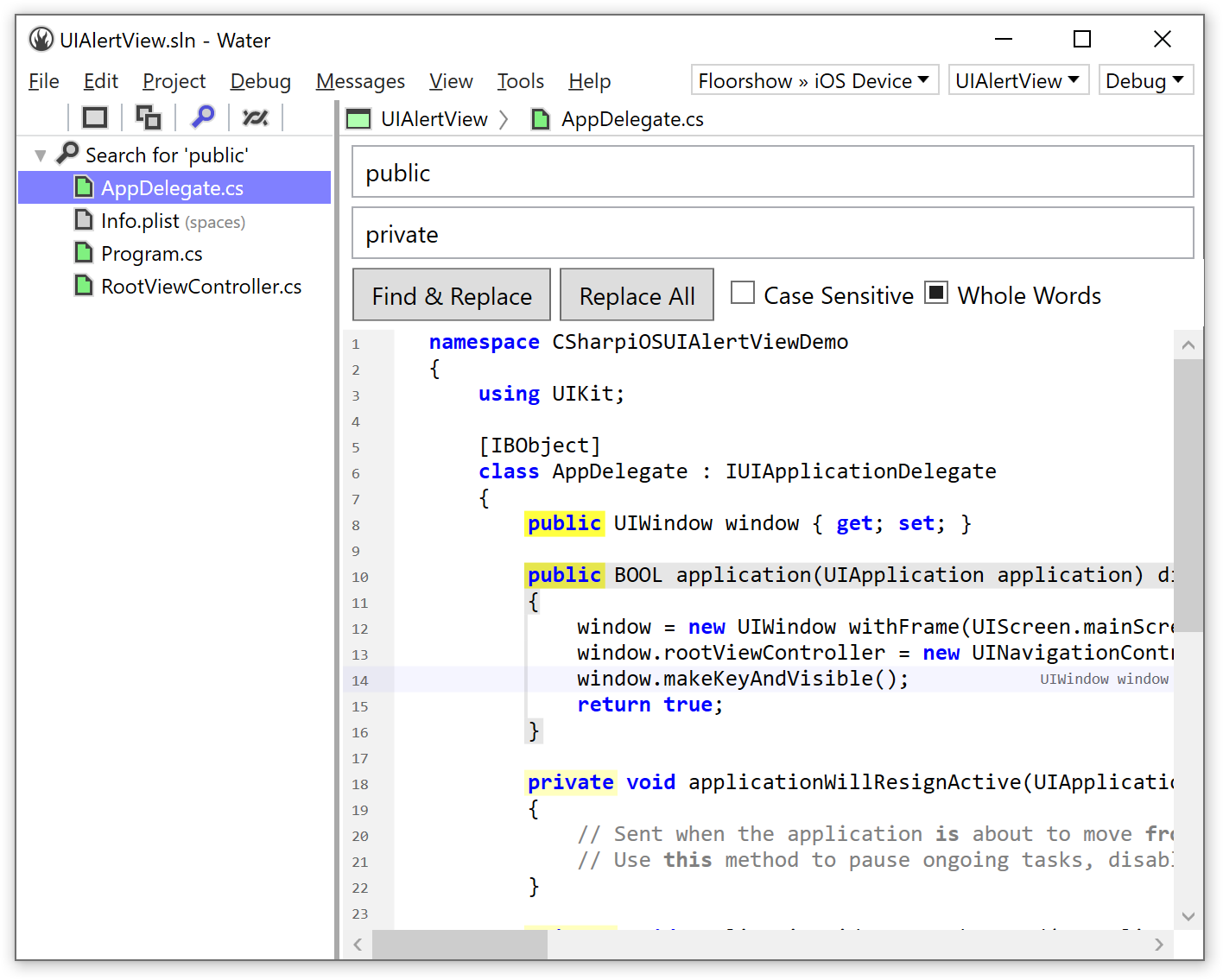
The editor itself is written specifically for Elements and its languages, with fast highlighting, code completion, peek at definition, formatting, structure highlighting, inline debug display, and integrated help that can jump directly to Elements docs or platform API references.
Watch the Introduction Video
A quick look at Water on Windows, from editing and navigation through debugging and the broader Elements workflow.