
Build new sites or bring an existing one
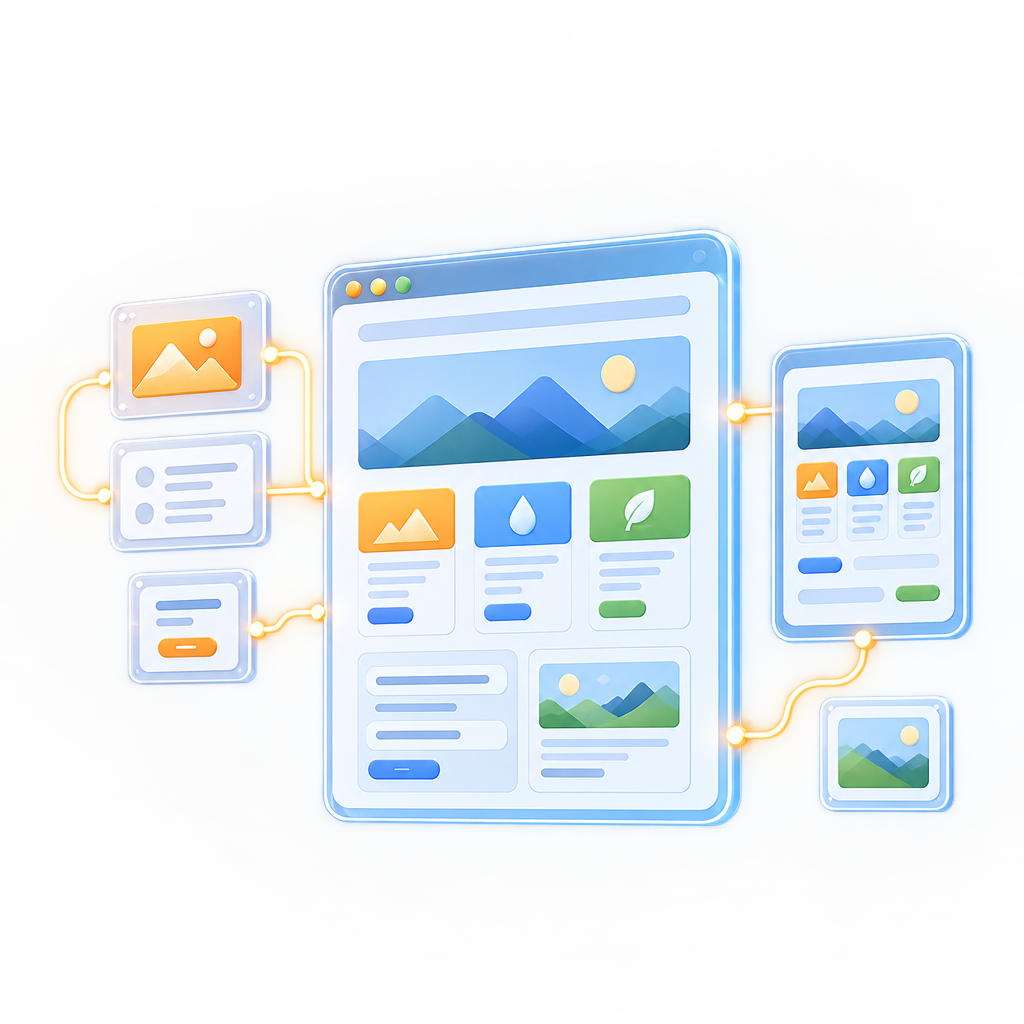
Elements Server Pages (ESP) brings familiar classic ASP.NET patterns to modern .NET, Java, and native platforms.
Use .aspx pages, master pages, and user controls to build a new site or migrate an existing one. RemObjects.com itself runs on ESP with .NET on Linux.
ESP is built around three core features.
- Write regular HTML and embed code snippets in
<%...%>blocks. - Create reusable controls and use them on different pages.
- Use master pages to share layouts across pages.
ESP comes with many useful extensions to classic ASP.NET. For example, native localization support is built in via <%~"page-title"%>.
Develop in Live Mode
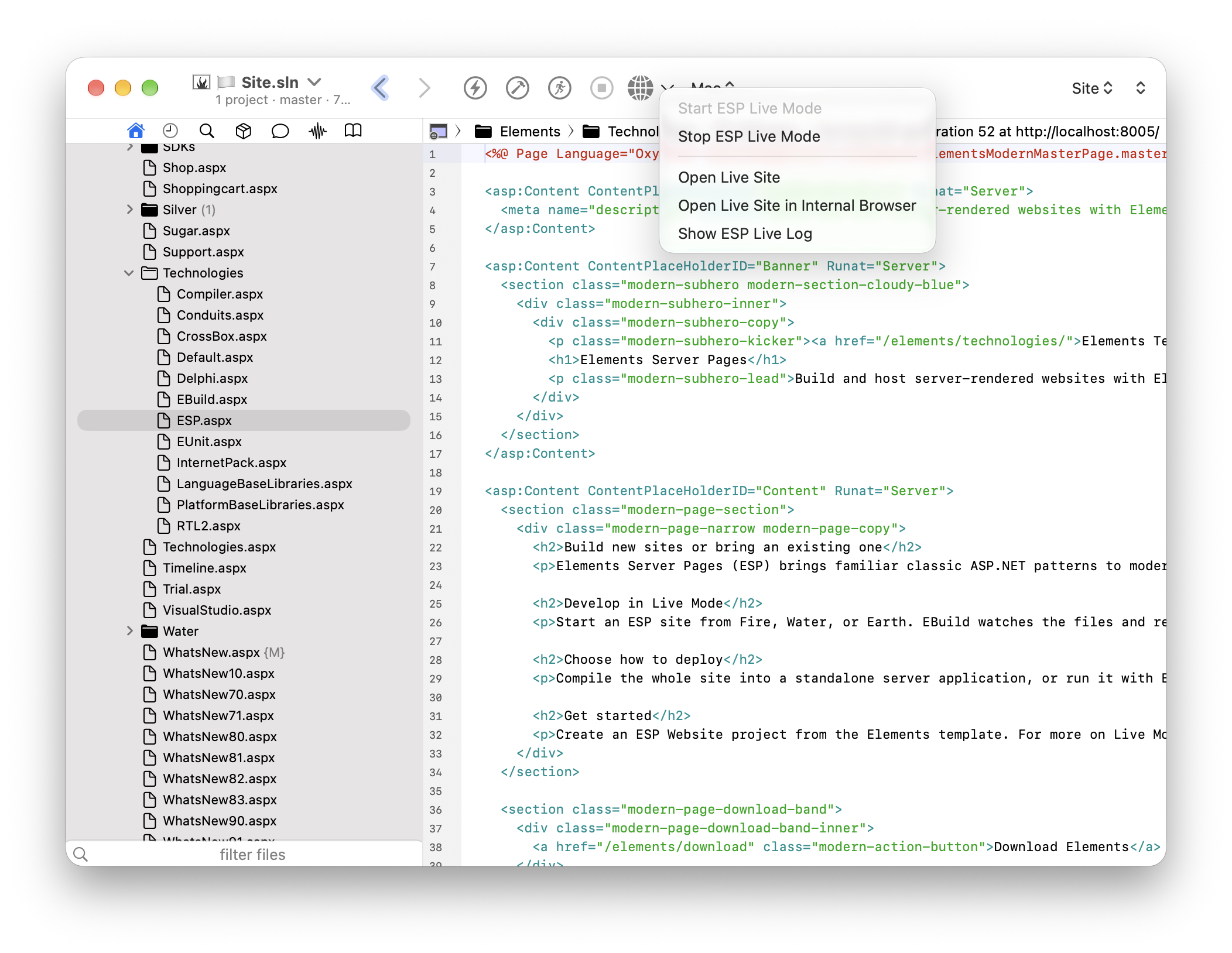
Start an ESP site from Fire, Water, or Earth. EBuild watches the files and rebuilds the site as you make changes, and the IDE shows build errors alongside your code.
Choose how to deploy
Compile the whole site into a standalone server application, or run it with EBuild in Live Mode. Live Mode supports full builds and incremental compilation, where pages are built on the first request. With compatible site code and dependencies, ESP can also target Java or native platforms.
ESP is cross-platform. If your website does not depend on .NET-specific APIs, you can build it as a native executable for Windows, Linux, macOS, or even Fuchsia.
This website runs on ESP in Live Mode.
Get started
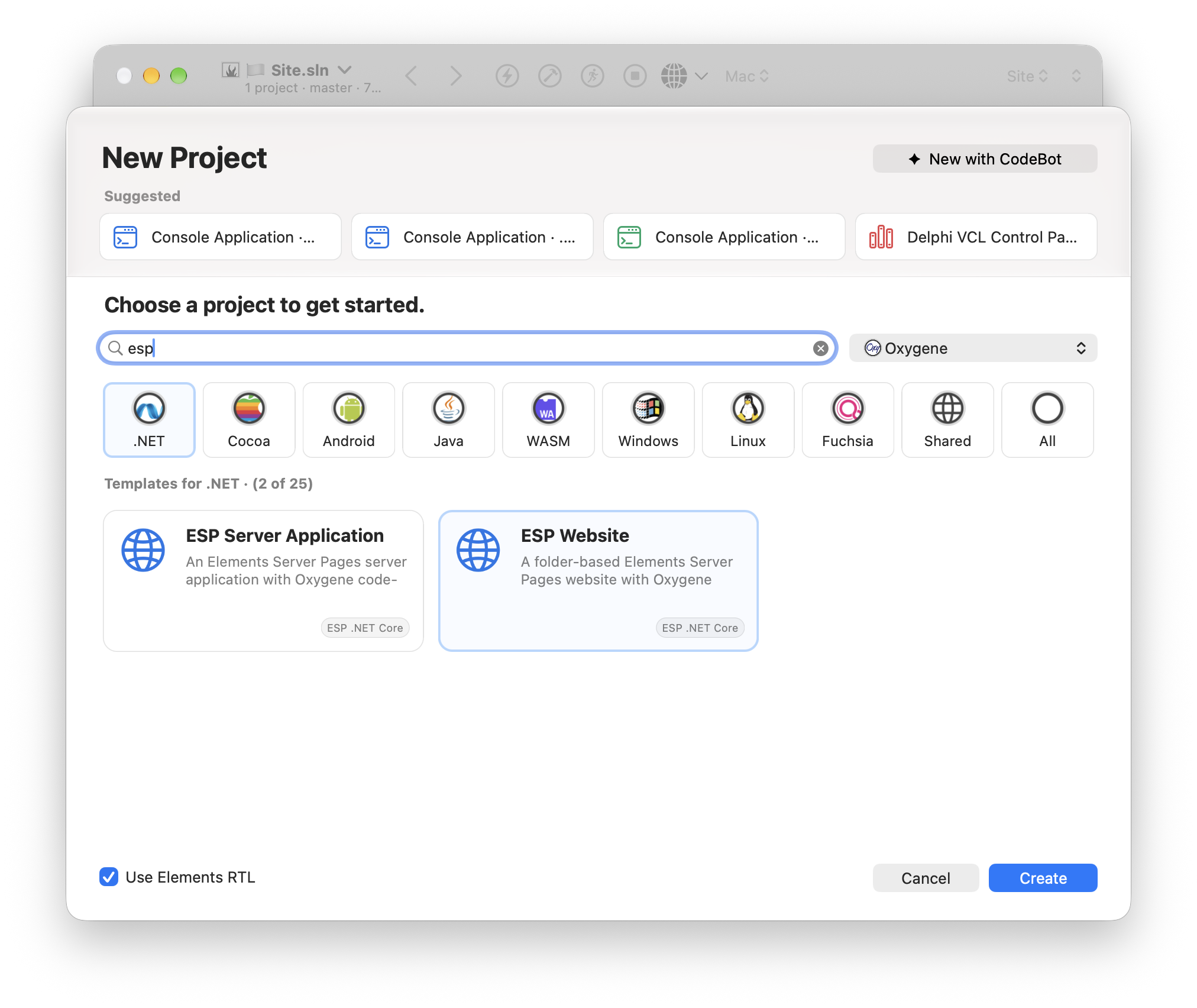
Create an ESP Website project from the Elements template. Or just add your existing ASP.NET folder to a solution.
For more on Live Mode and deployment, see Elements Server Pages 2.0 .