
CodeBot CLI
CodeBot CLI is the command-line interface to CodeBot Server (CBS), bringing RemObjects’ AI coding assistant to terminals, scripts, and headless development workflows.
Use it when the right place for CodeBot is not an IDE window: a shell session, a remote machine, a build agent, or a lightweight editor workflow where the command line already owns the task.
CodeBot CLI talks to CodeBot Server, the same backend that drives CodeBot for Delphi, and works with your existing CBD AI credits.
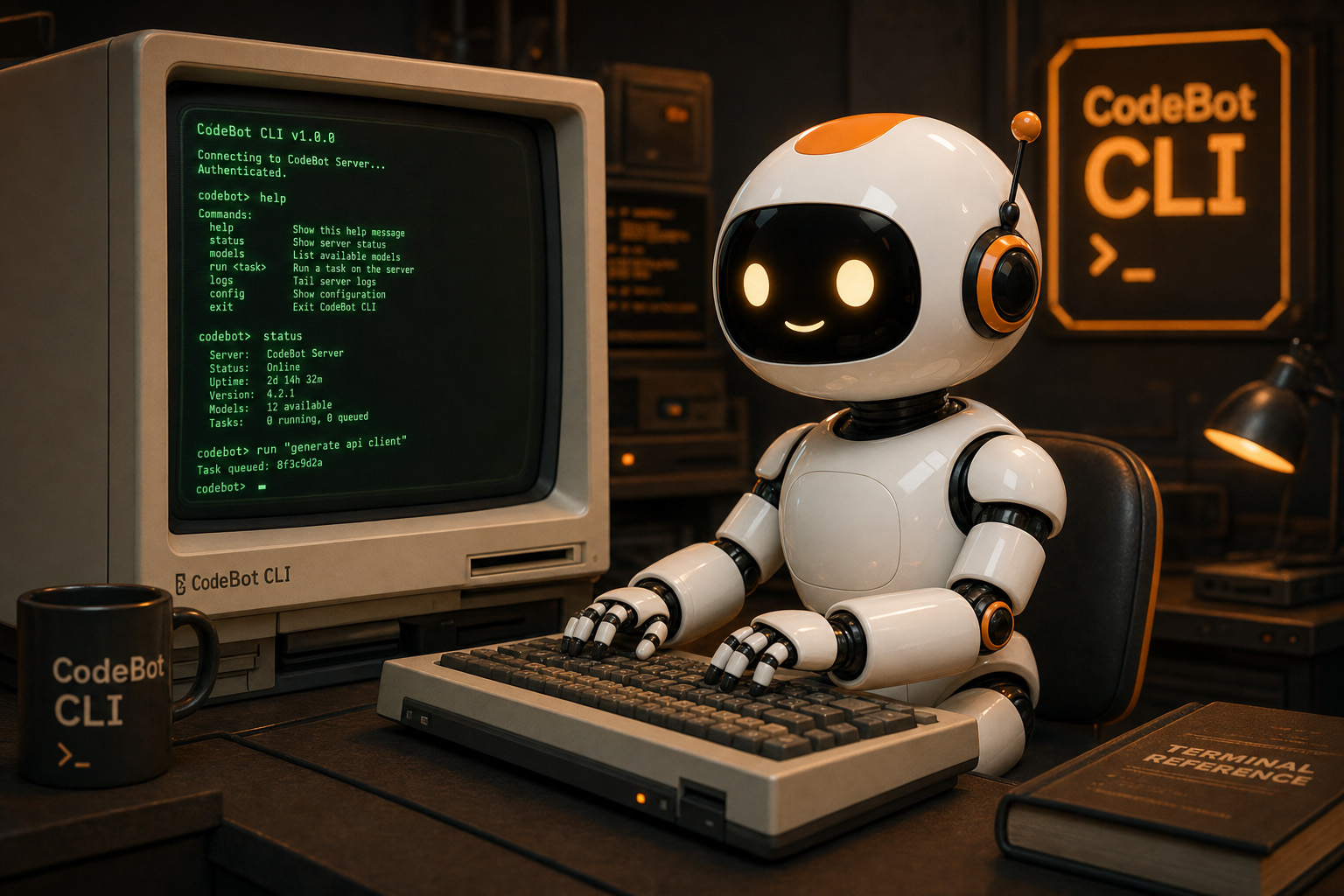
CodeBot Wherever the Terminal Goes
Headless Workflows
Run CodeBot from build machines, SSH sessions, and automation surfaces where a graphical IDE is not part of the flow.
Interactive Control
Keep approval checkpoints visible in the terminal, so tool use and file changes stay explicit while CodeBot works.
Server Backed
Connect to CodeBot Server for streaming agent sessions, centralized model access, and workflows that can grow beyond one local app.
Built for Developers Who Live in Shells
CodeBot CLI is for the moments when the terminal is the fastest way to get work done. Ask it to inspect a repository, explain a failure, summarize a change, or help with a multi-step coding task while you stay in the command-line environment you already use.
Because it is a client for CodeBot Server, the CLI can be kept small and focused while the server handles orchestration, model access, streaming, approvals, and agent behavior. That makes it a natural fit for local development, remote workspaces, and future CI-style workflows.