

What is Hydra?
Hydra is an application framework that allows developers to create modular applications that can mix managed (.NET and Java) and unmanaged (Delphi and Island) code in the same project, creating a seamless user experience while combining the best technologies available from either platform.
Hydra in 50 Seconds – the TL;DR Video:


These are the two most common use cases for Hydra:
- Extending Your Delphi application with .NET or Java Code
- Reusing existing Delphi code in a new .NET project
But Hydra also handles many additional scenarios, as well:
Extending Your Delphi App with .NET or Java
As a Delphi developer, chances are you have a long-standing code base for an application (or many) written in Delphi, possibly with many million lines of code and many developers-years invested into a strong and well-working codebase.
But now the challenge comes: you would like to start using some new non-Delphi technologies for your project, maybe to take advantage of a cool library available on .NET or .NET Core. Or maybe you have to reuse some legacy Java/JVM code created by a different department and make it work with your application.
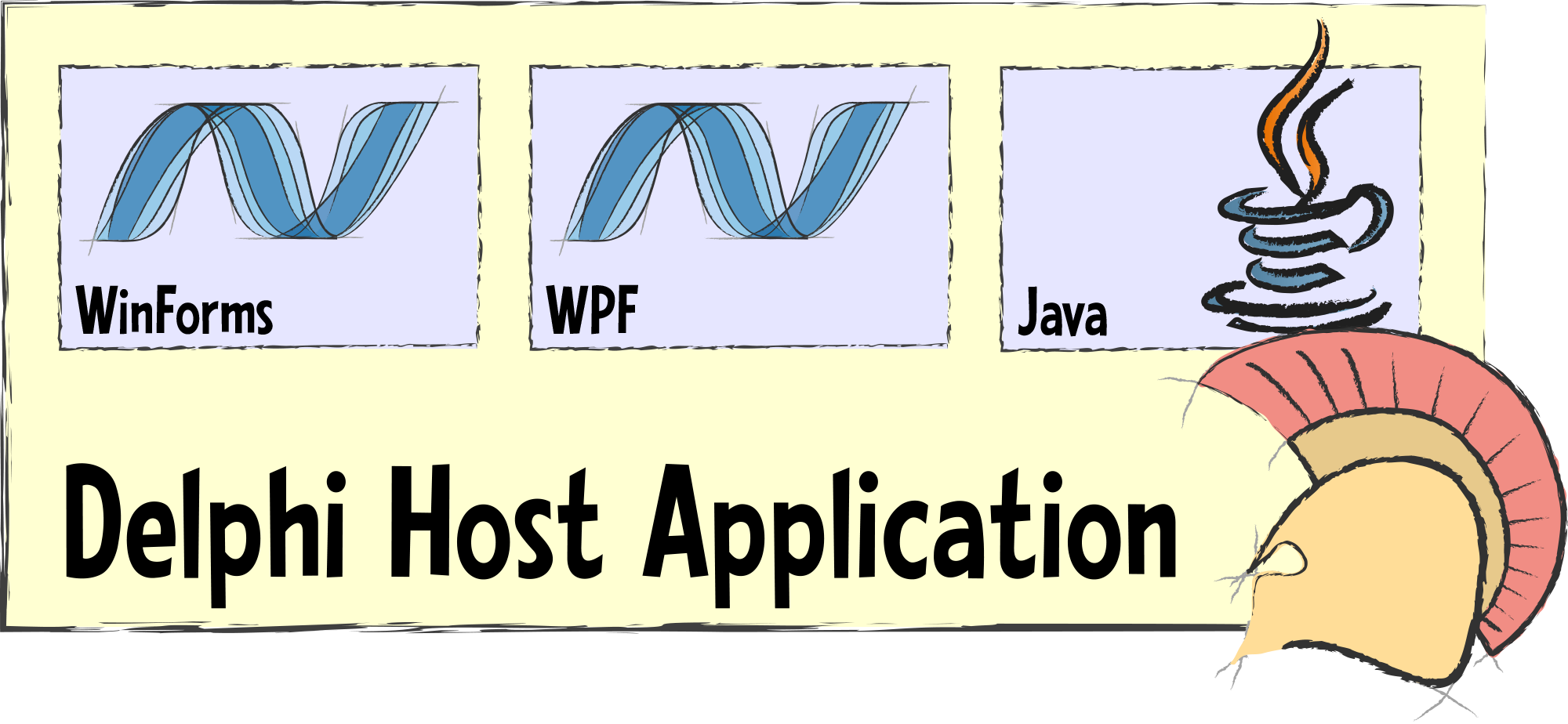
Hydra has you covered for all of these and similar scenarios.
You can implement your new feature in .NET (or Java) and then wrap up this code in a Hydra plugin, with a clear, interface-based API for accessing its functionality. And with the simple addition of a Hydra ModuleManager (and an empty panel if you want to merge visual UI), this code can now be hosted to extend your Delphi application.
- See this in action in our Delphi+WPF Sample,
also featured in the video below.
Reusing Existing Delphi Code in a .NET Project
Sometimes, you might run into the exact opposite scenario. You are starting a fresh new project using .NET, but you have perfectly good and well-tested Delphi code that you want to reuse without having to rewrite (or port to Oxygene, which is, of course, another option).
This could be GUI code using VCL or FireMonkey, or just some business logic, data processing, or other algorithms that can't easily be replicated fresh.
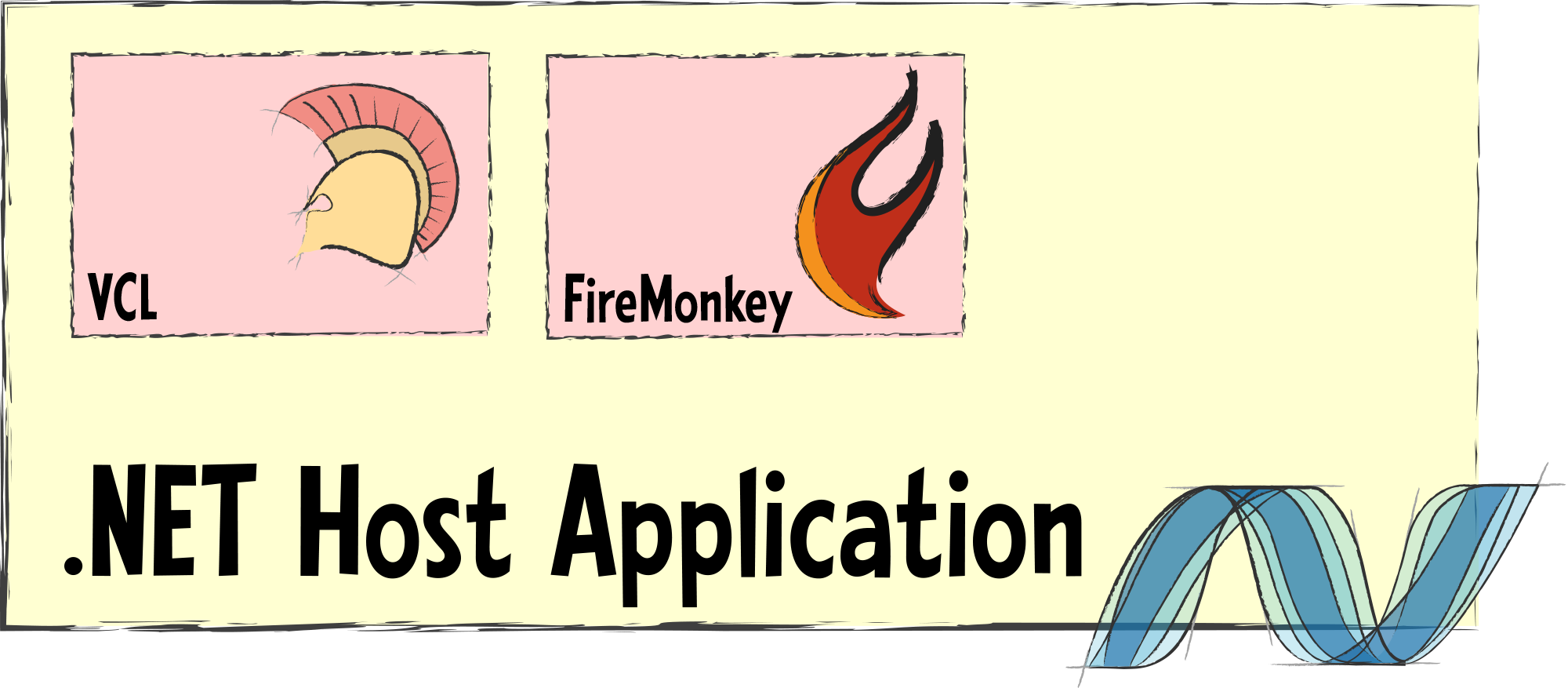
Simply wrap your Delphi code into one or more plugins and optionally define an interface to communicate with it. Those plugins can now easily be loaded into your .NET-based host application and used seamlessly as part of your app.
- See this in action in our Mixed-Mode Sample,
which also shows off other platform combinations, as well.

Mixing Delphi with Delphi
By default, code compiled between different Delphi versions is not compatible, meaning that your entire project and all its dependencies need to be built with the same version of Delphi.
This makes it difficult if you want to move to a newer version of Delphi for parts of your app but maybe have code that does not easily migrate. Or maybe you want to stay on an older version of Delphi for your codebase but leverage a newer Delphi feature in one area.
With Hydra, you can use different versions of Delphi to build your host app, and your various plugins, and have them interact seamlessly.
In addition, Hydra also makes it possible to mix VCL and FireMonkey GUI in the same application and even in the same form – something that is not possible with Delphi out of the box.
- See this in action in our VCL+FireMonkey Sample.
Java
Many businesses have legacy code written for the Java platform or rely on third-party services implemented in Java.
With Hydra, you can integrate this legacy Java code directly and seamlessly into your main application. This includes calling out to Java-based business logic and even embedding Swing-based GUI in the user interface of your app.
Java plugins are supported in both Delphi and .NET host applications.

Elements/Island
Our own Elements compiler toolchain allows for the compilation of native Windows code, much on the same level as Delphi and C++Builder do. But Elements gives you the choice of a wider range of languages, including Oxygene, C#, Swift, the Java language, Go, and the Visual Basic.NET-compatible Mercury.
Just like with the other plugin types, Hydra allows you to embed and use native Windows code written with Elements within your Delphi and .NET host application, opening a whole range of new native programming languages to expand your app.
Watch: Mixing VCL and WPF in One Window
Hydra is a product of
RemObjects Software.
This Website is copyright RemObjects Software 2002-2026. All rights reserved.
Legal.
